
Documentation Index
Fetch the complete documentation index at: https://docs.taqriry.ai/llms.txt
Use this file to discover all available pages before exploring further.
Setting Up Your Account
Welcome! This guide will walk you through creating your account and getting started with our AI meeting assistant.Creating Your Account
-
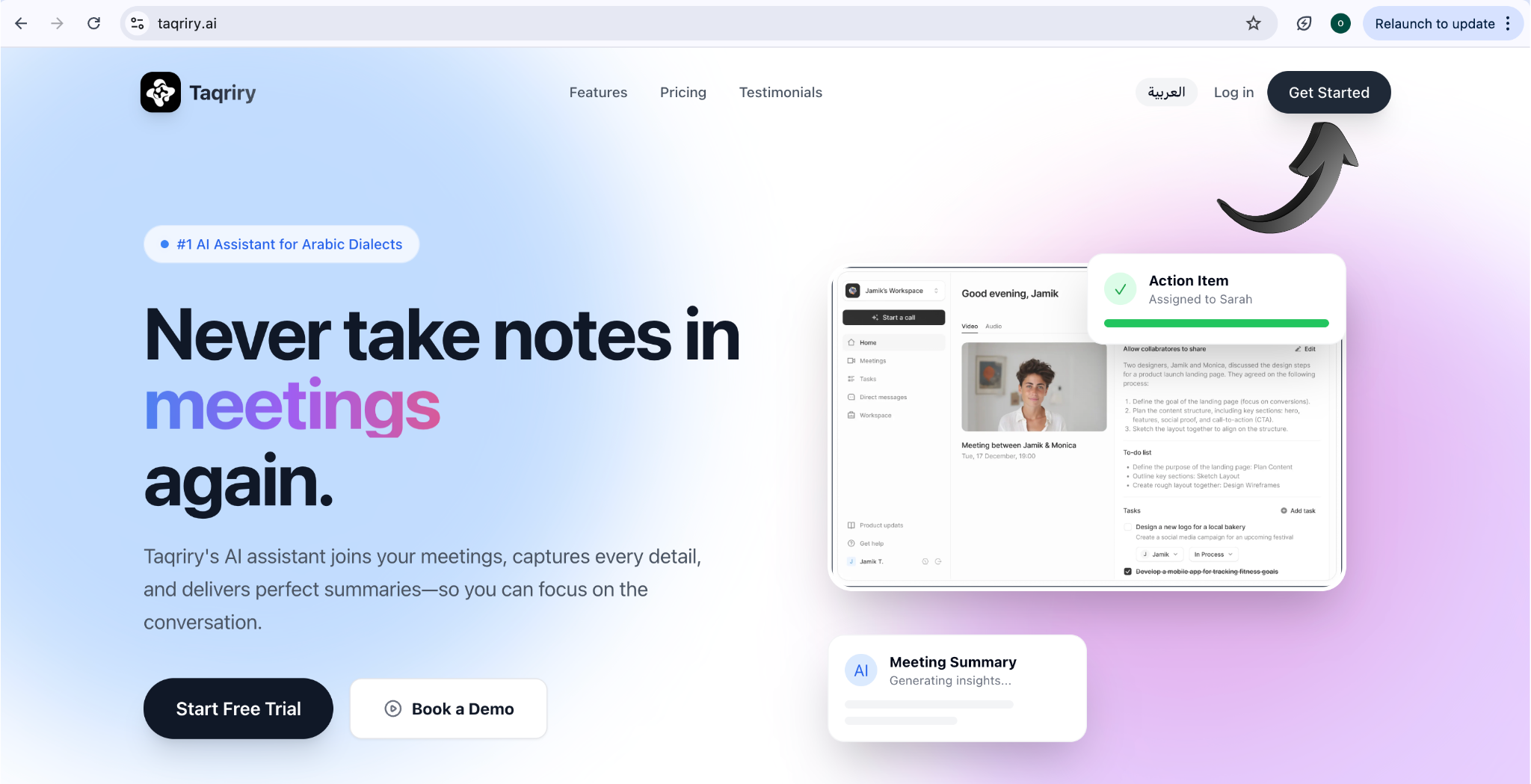
Visit the Sign-Up Page
Navigate to the registration page and click on “Sign Up” or “Get Started”.
-
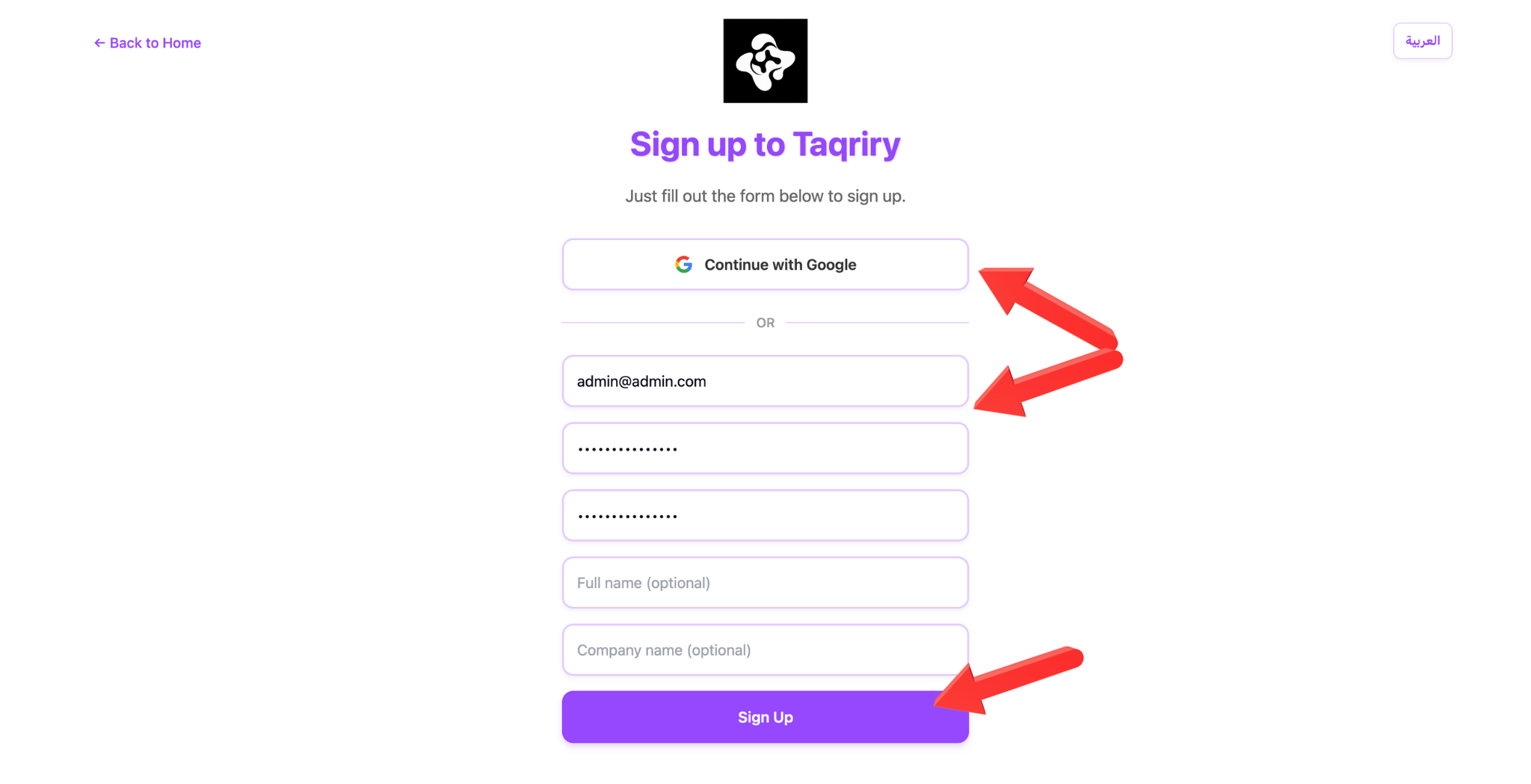
Enter Your Information
Provide your email address, create a secure password, and enter your full name and organization details.
-
Verify Your Email
Check your inbox for a verification email and click the link to activate your account.

Onboarding Process
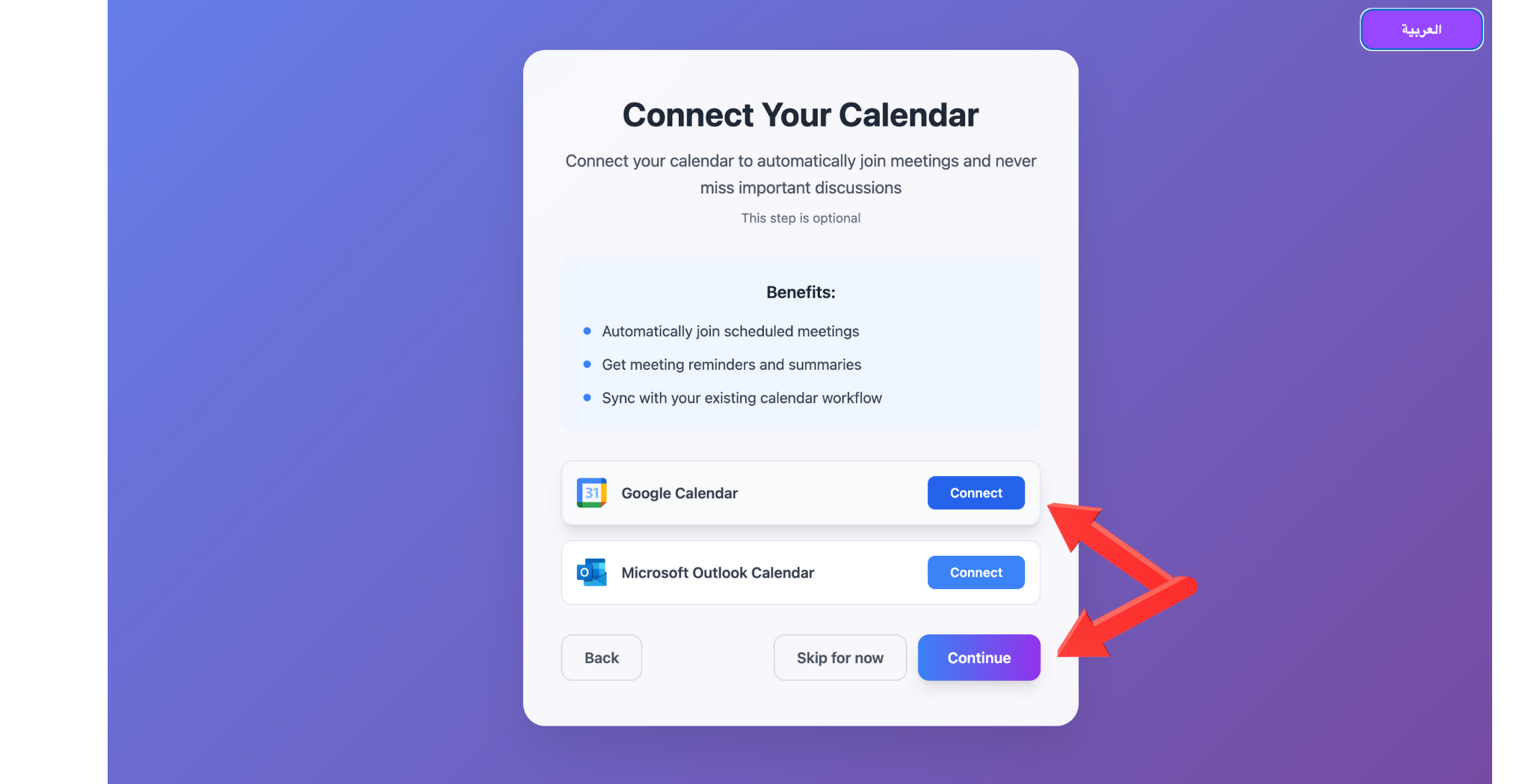
Step 1: Complete Your Profile
After email verification, you’ll be guided through the onboarding process.
- Personal Information: Add your job title and role
-
Team Setup: Create or join a workspace
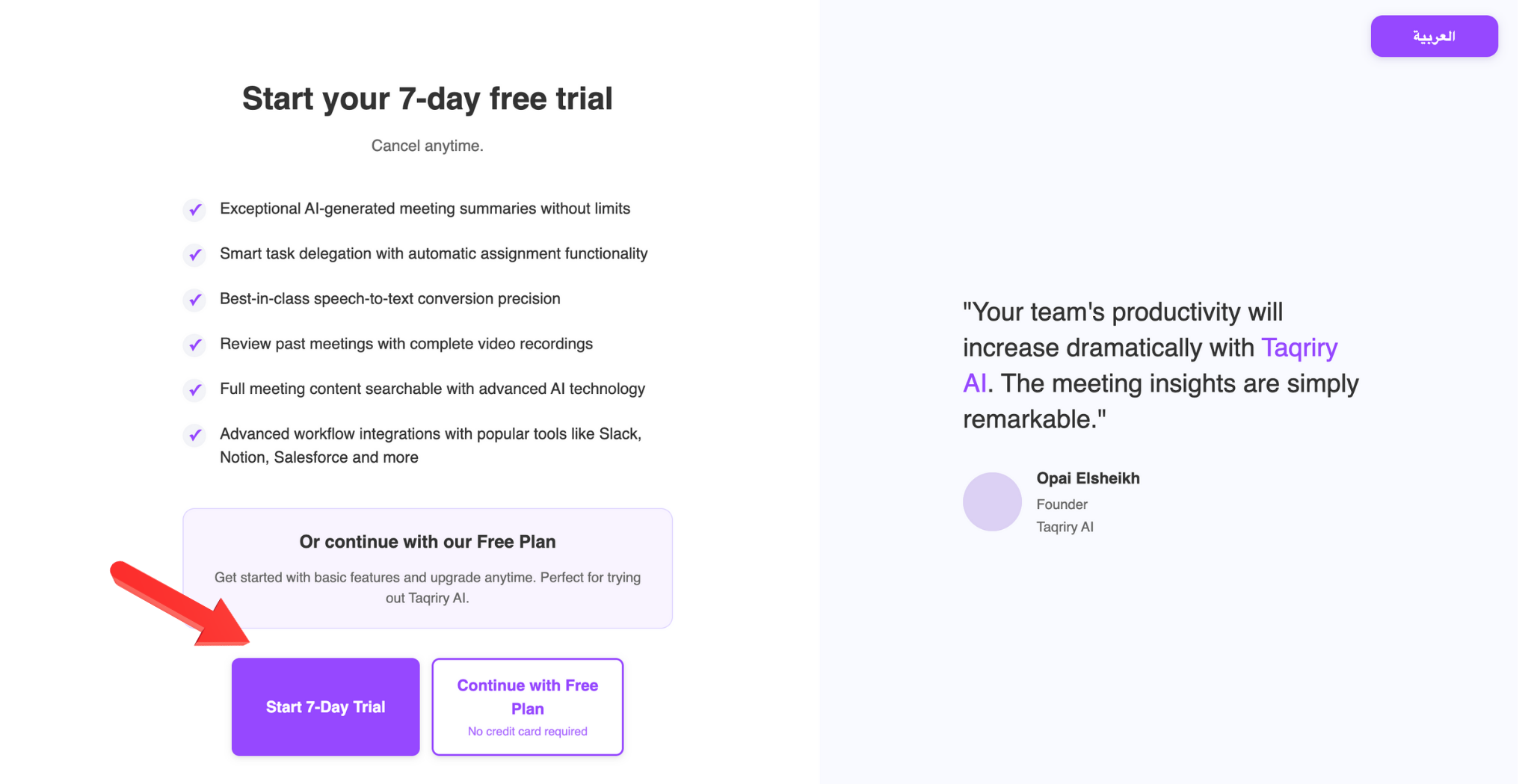
Step 2: Configure Initial Settings
- Meeting Preferences: Choose default meeting settings
-
Notification Options: Select how you want to be notified
Step 3: Quick Tour
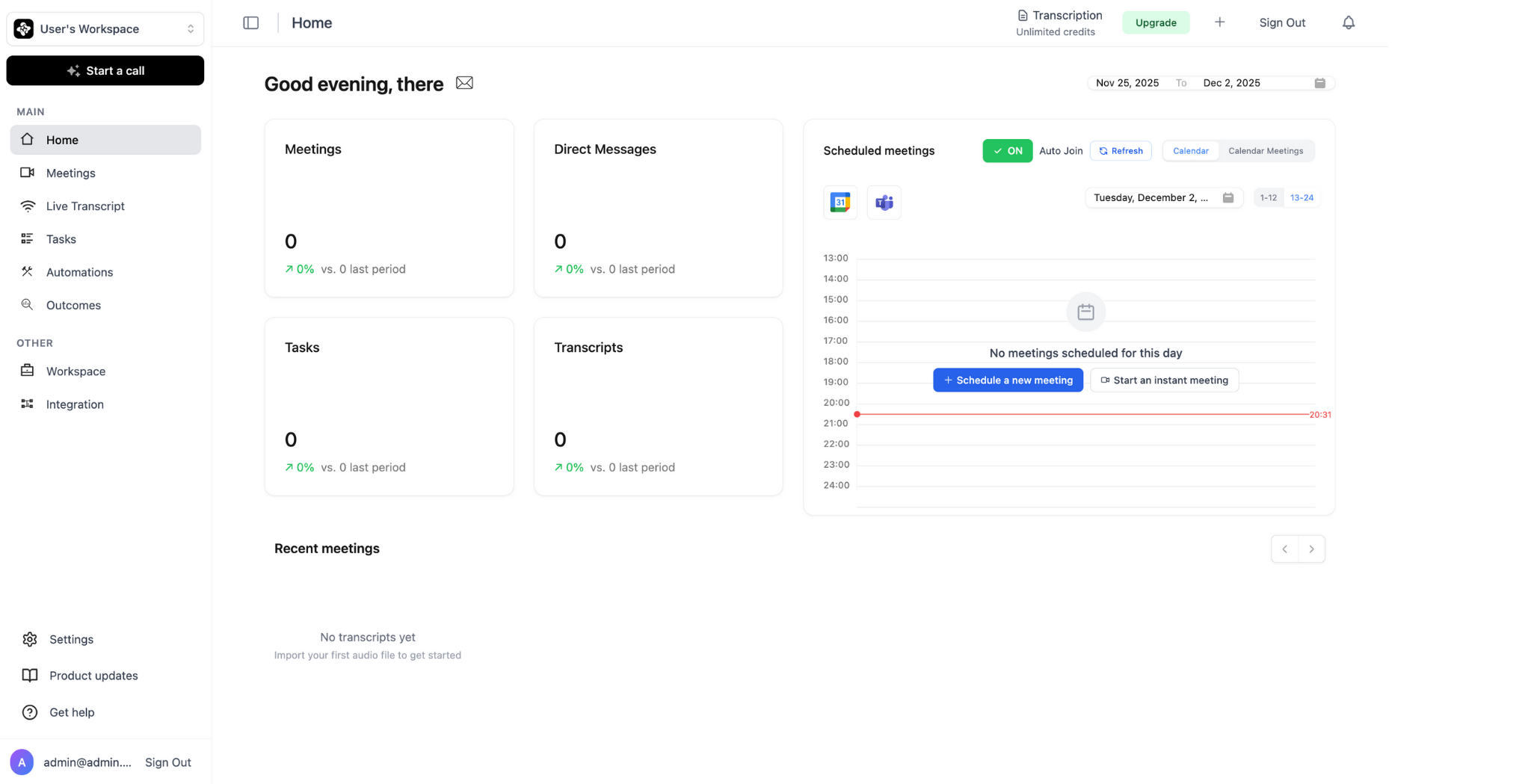
Take a quick tour of the platform to familiarize yourself with the dashboard and features.
Next Steps
Connect Your Calendar
Set up calendar integration for automated scheduling
Schedule Your First Meeting
Learn how to schedule the AI agent for meetings